

Decode the 'No Coupon' Tag and Fix Failed Fetches
Note
The Coupon AutoGrab feature doesn't always work as expected. You might see a No coupon status or encounter an interrupted fetch. This guide explains why these issues happen and how to resolve them quickly.Click here to start dropshipping now with DSers
Understanding the 'No Coupon' Tag
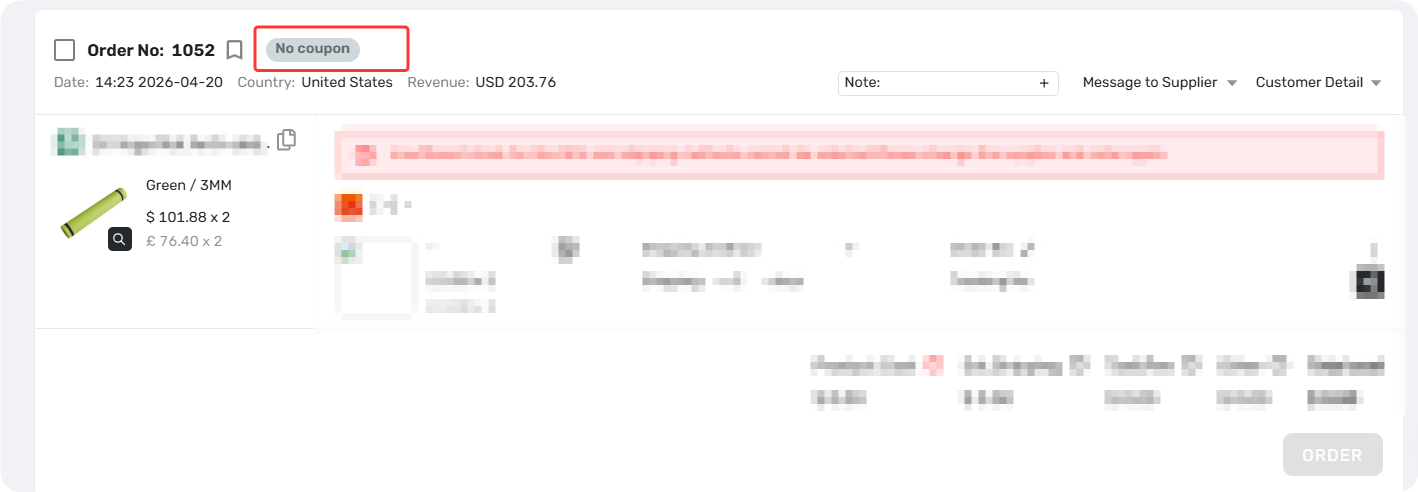
The No coupon tag means DSers searched for available AliExpress coupons on your selected order but found none for any product in that order.
This tag appears after a fetch attempt. Once assigned, the area becomes non-clickable.
Before You Start: The "Cost" Rule
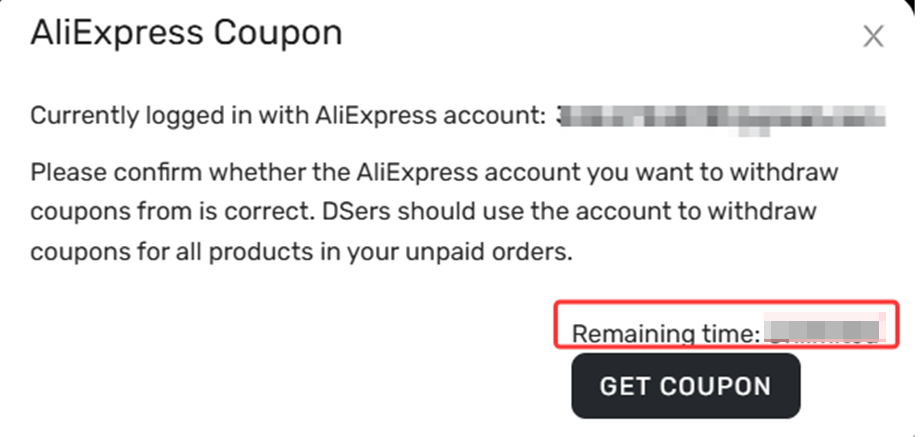
Your fetch count is deducted the moment you click "Get Coupon" —even if the fetch fails. No refunds are issued for failed attempts.
To avoid wasting your limited attempts, review the fixes below before initiating a fetch. If you're unsure about your remaining attempts, check your subscription plan in DSers Settings.
Why Coupon Fetching Fails (And How to Fix It)
1. Not Logged Into AliExpress
Error: Please log in to your AliExpress account first. (Get Coupon button grayed out)
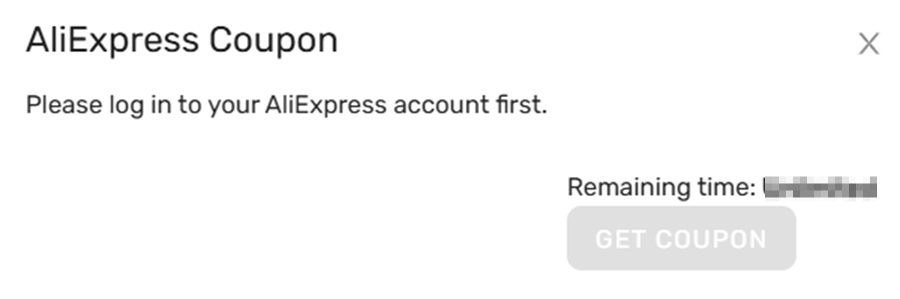
Fix: Log in to your AliExpress account, then click Get Coupon again.
2. Account Mismatch
Error: Currently logged in with AliExpress account: xxx
Please confrm whether the AliExpress account you want to withdraw coupons from is correct. DSers should use the account to withdraw coupons for all products in your unpaid orders.
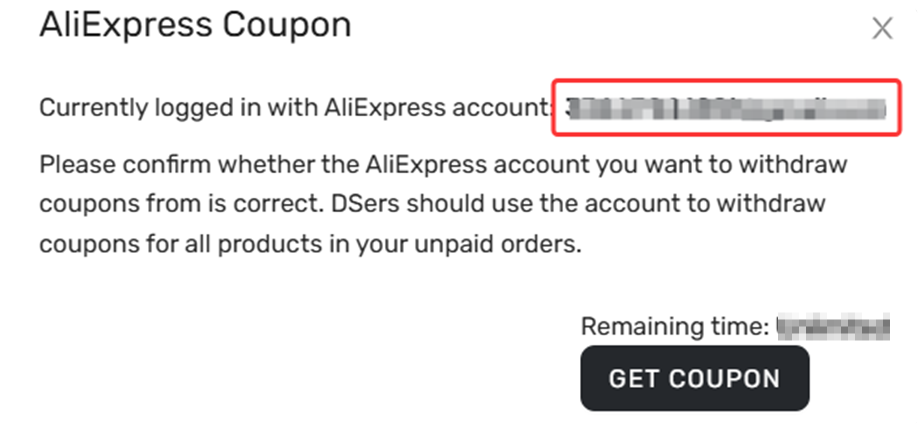
Fix: Ensure the account shown in the DSers pop-up matches the one you're logged into on the web. If they don't match, log out and log in with the correct account before fetching.
3. Slider Verification Interruption
Error: Fetch pauses or fails due to an AliExpress slider/captcha request.
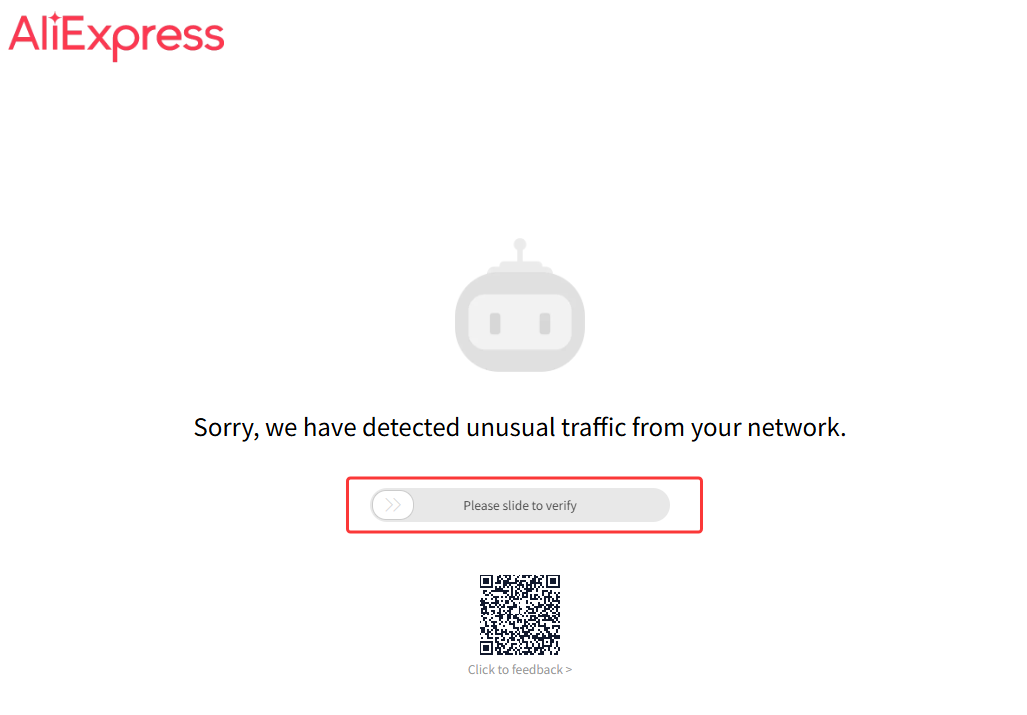
Fix: Watch the AliExpress tab that opens during the fetch. Complete any slider verification immediately to let the plugin proceed.
4. Closing Windows or Tabs Mid-Fetch
Error: Fetch fails because you closed the pop-up, browser tab, or shut down your computer when this feature is working.
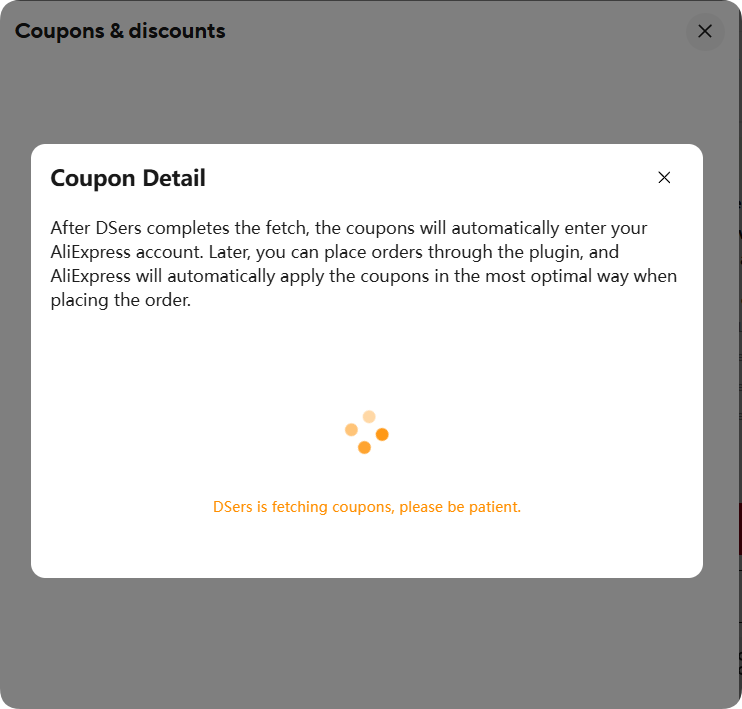
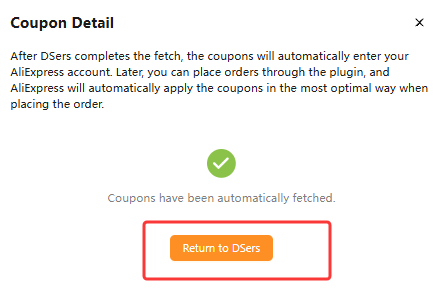
Fix: Be patient. Once you click Get Coupon, wait for the confirmation screen—don't close anything until it's done.
5. Outdated DSers Chrome Extension
Error: The Coupon AutoGrab feature fails to run, or you encounter unexpected behavior during the fetch process.
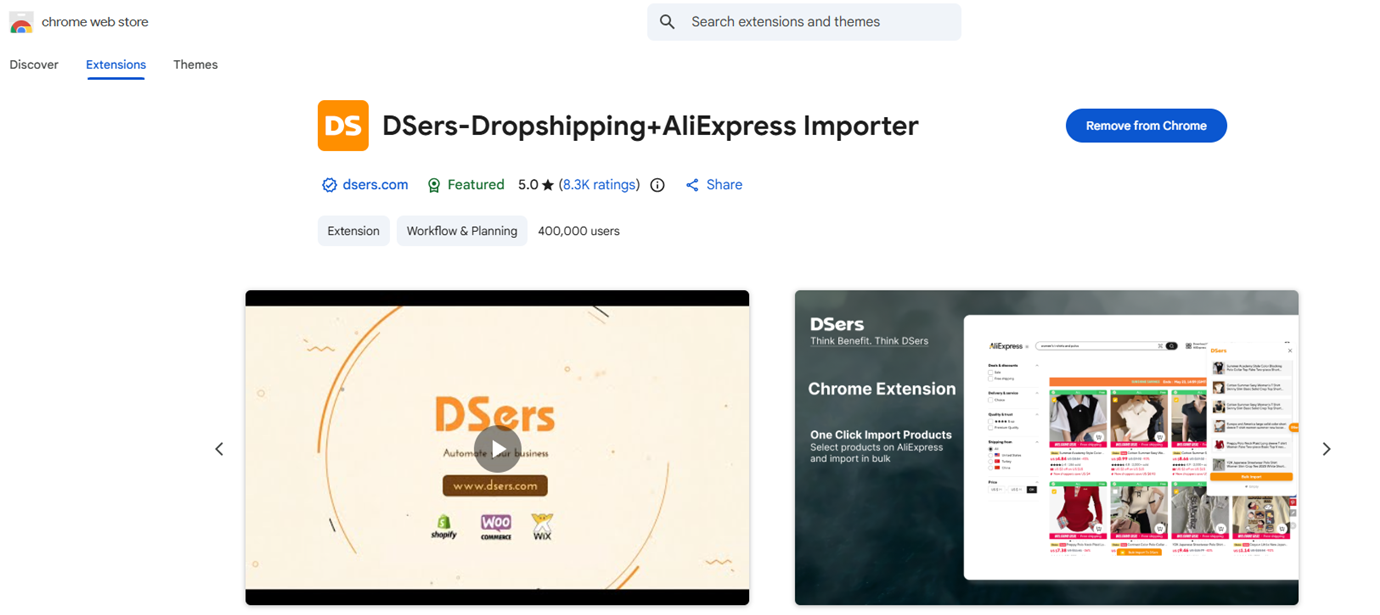
Fix: Update your DSers Chrome Extension to the latest version:
- Go to
chrome://extensions/and click Update, or - Visit the Chrome Web Store listing to install the newest version directly.
For a complete overview of the DSers Chrome Extension's features and capabilities, see [DSers Chrome Extension: Features and Capabilities Overview].
Related Articles
- AliExpress Coupon AutoGrab: Save Money on Every Order
- DSers Chrome Extension: Features and Capabilities Overview
- Understanding Your Dashboard: Orders Overview
- Fulfill Your First Order: A Step-by-Step Walkthrough
- Fulfilling Customer Orders: How to Place & Pay for Supplier Orders
FAQ Section
Quick answers to the most common questions about DSers coupon fetching on AliExpress.

Get Started Now to Grow Your Online Business with the DSers!