

Support:


Your DSers account time zone is based on your browser settings by default. It will affect the display of orders, notifications, report and so on. In case you need to travel to other regions of a different time zone or your employees are in another time zone, you or your employees can change it accordingly.
How to reset your DSers account time zone
- Login to DSers.
- Hover over the Account name on the right of the Top Bar and click
 Account.
 - Scroll to the Time zone section on General, click
 at the right side of the same line of your current time zone.
 - In the Drop-down List, choose your desired time zone and click SAVE.
The time zone can only be changed one time by you. If you have to modify it later, please contact the DSers Customer Service team.
How DSers account time zone affects other features
| Feature | Path to feature | Application |
|---|---|---|
| Order Card |  Open Orders > Order Card Open Orders > Order Card |
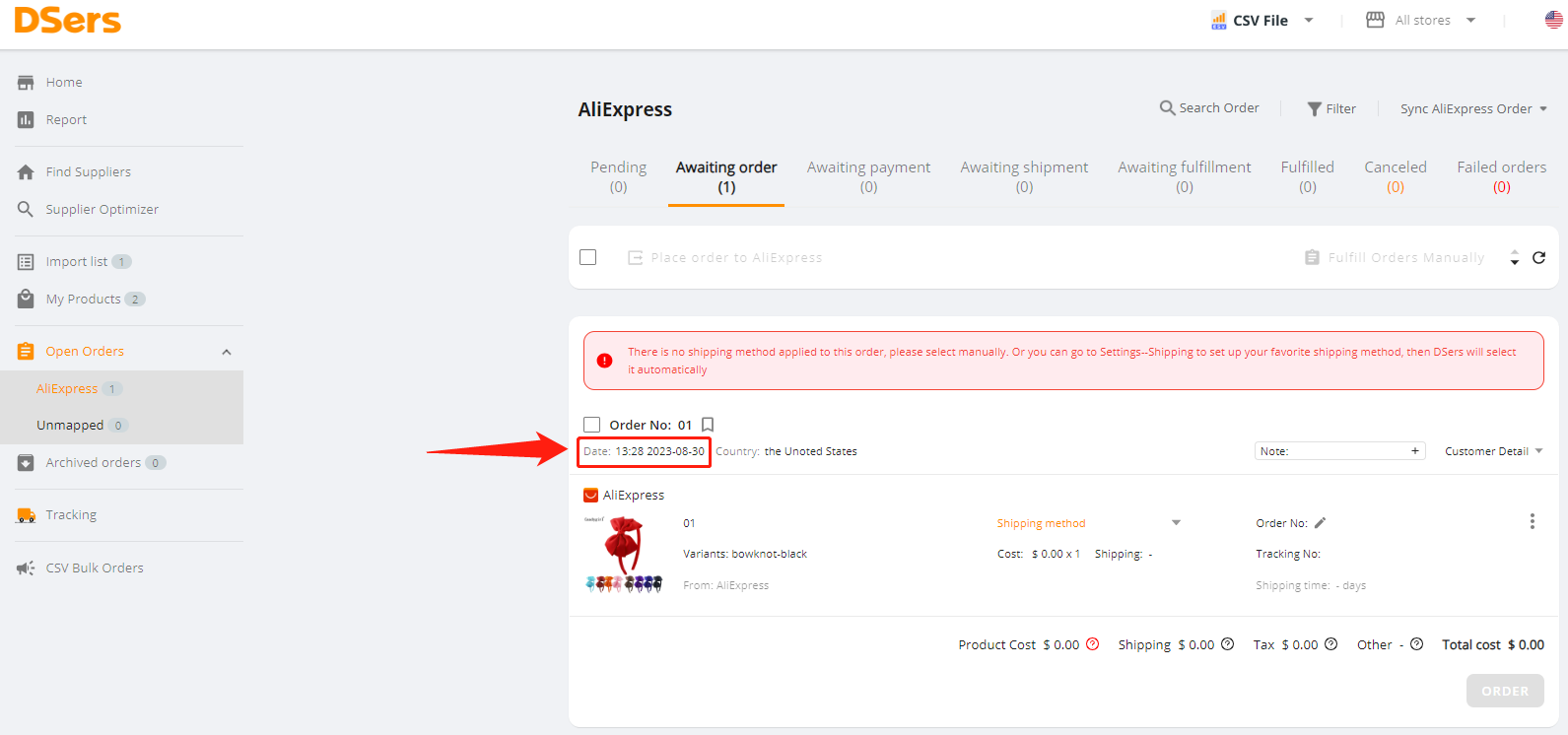
The Date of all old and new orders on the Order Card will be displayed according to the updated time zone.
|
| Filter | Open Orders( Tracking)> Any supplier tab(Tracking status)> Navigator Bar > Tracking)> Any supplier tab(Tracking status)> Navigator Bar >  Filter Filter |
The Date part is based on the new time zone.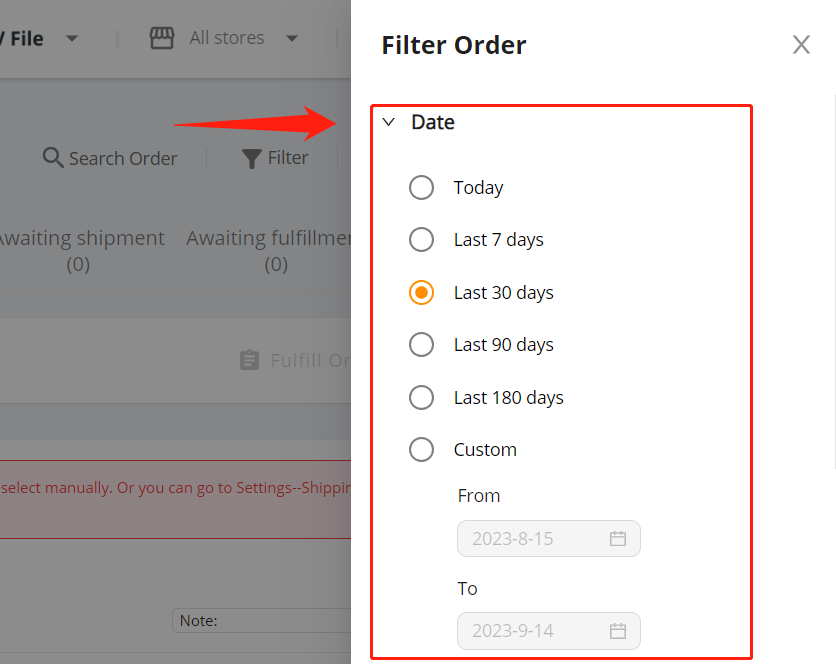 And the new time zone will be selected by default in the Time Zone part. And the new time zone will be selected by default in the Time Zone part.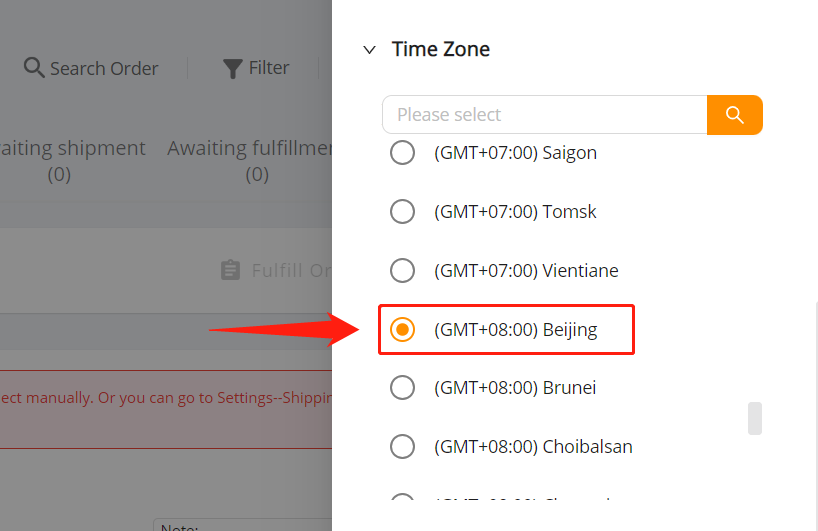
|
| Notification | Top Bar >  |
The new time zone will be applied to the time of notifications for new orders.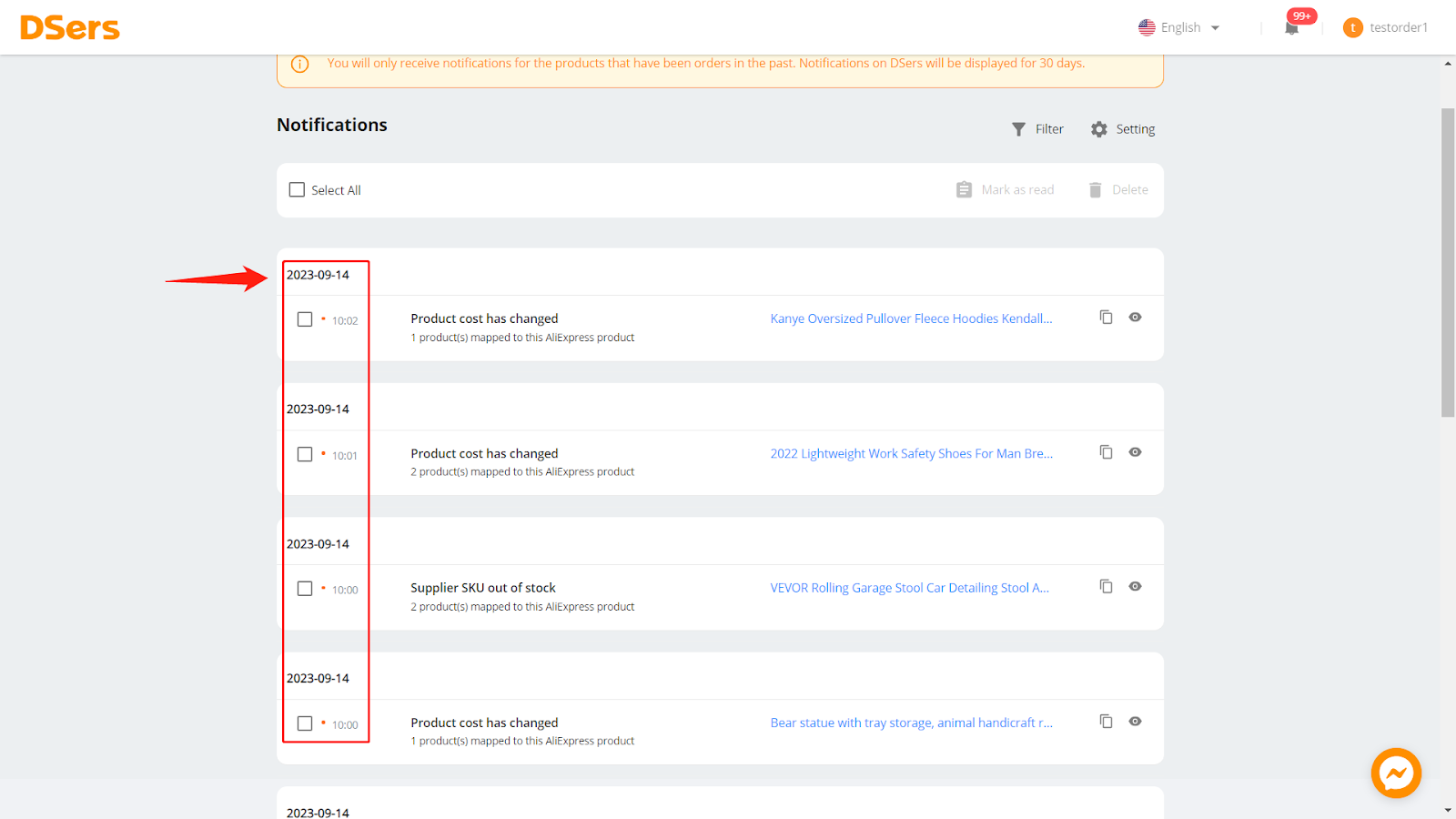
|
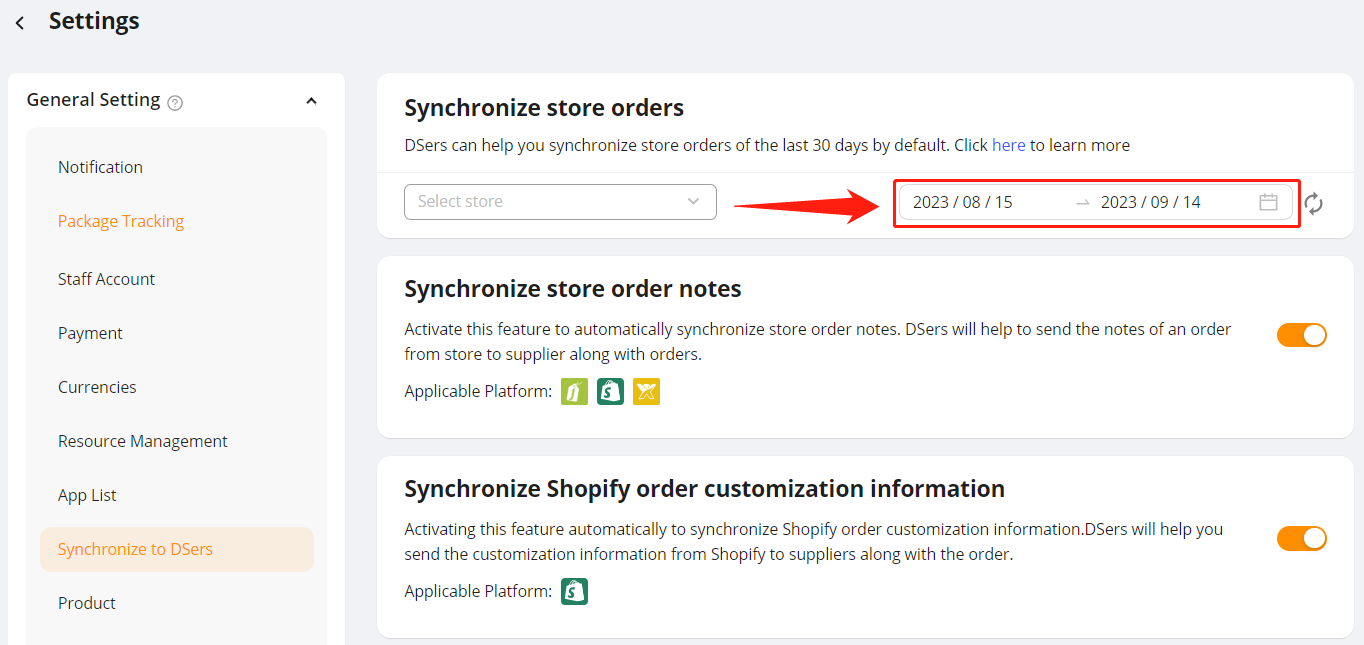
| Synchronize store orders |  Settings > General Setting > Synchronize to DSers Settings > General Setting > Synchronize to DSers
|
In the Synchronize store orders section, when you select a store and time range and click the Sync icon, DSers will synchronize them based on the new time zone.
|
| Report | Side Bar >  Report Report |
To activate the Report feature, one task is to set the time zone. The report data will be displayed based on the new time zone.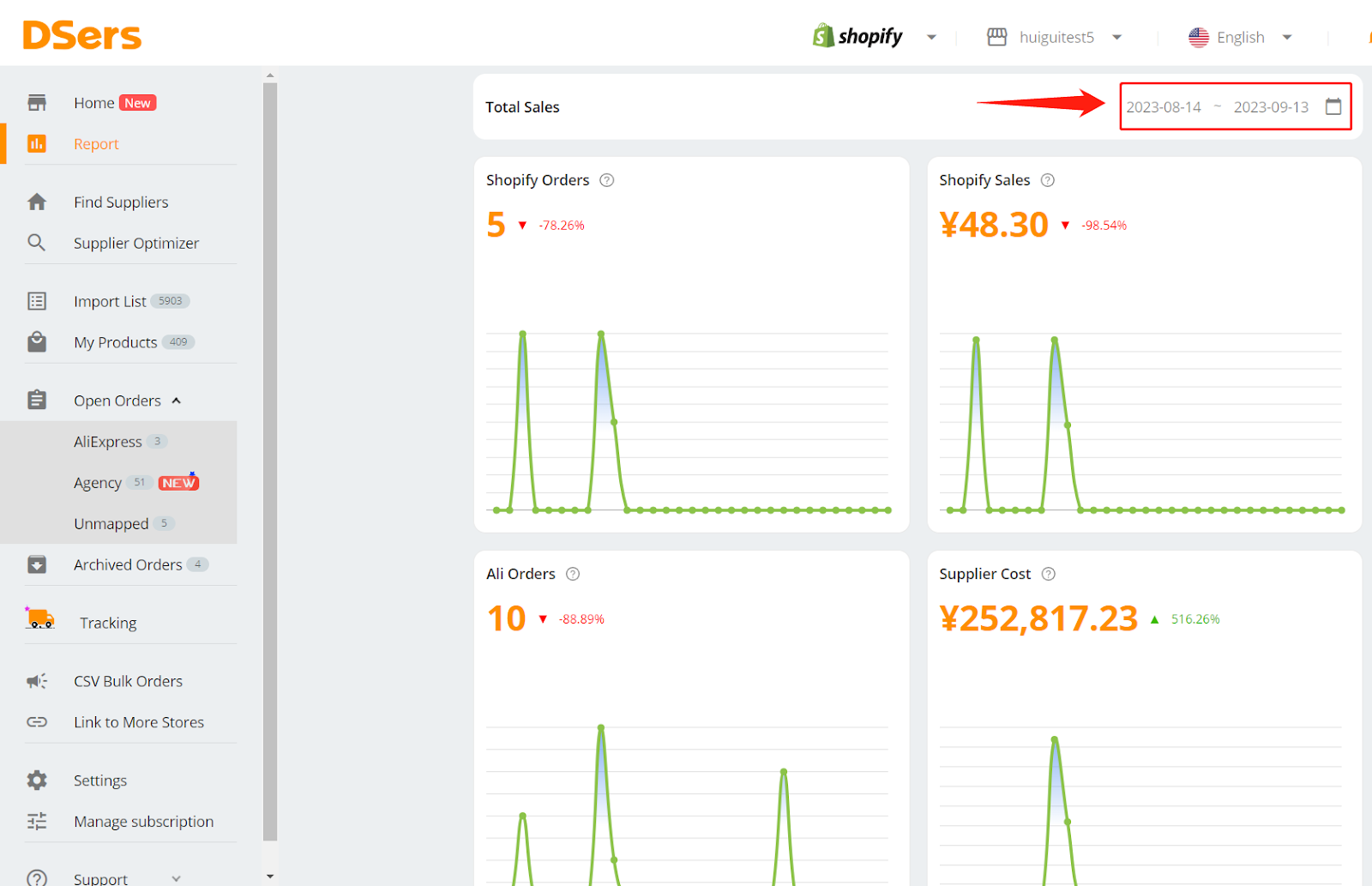
|