

Get your DSers and Shopline connected in minutes
Note
This guide walks you through linking your Shopline store to your DSers account. DSers is already available in the Shopline App Store, and Shopline is listed in DSers as a supported sales channel. The connection is secure and only requires your approval with a single click.Click here to start dropshipping now with DSers
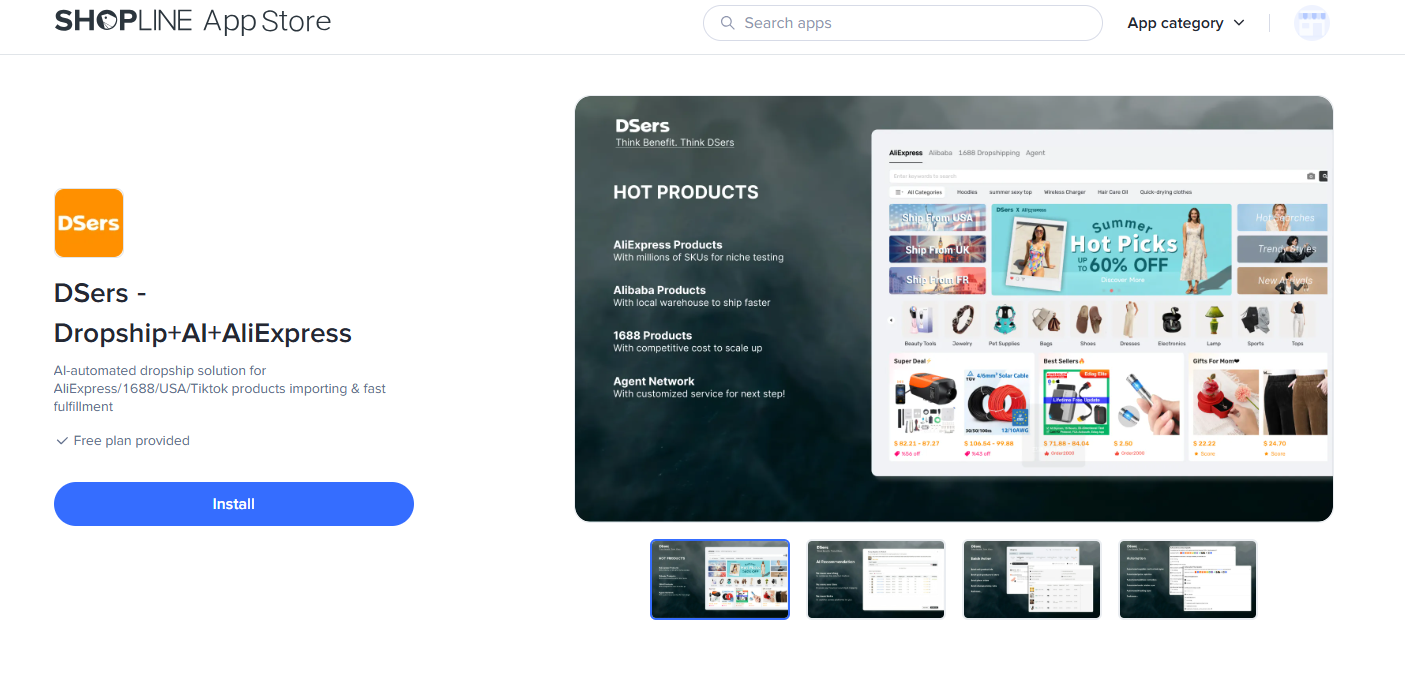
Step 1: Install DSers from the Shopline App Store
- Log into your Shopline Admin panel
- Navigate to Apps in the sidebar
- Search for "DSers" and select DSers - Dropship+AI+AliExpress
- Click Install app
Step 2: Authorize the connection
You'll be redirected to Shopline's permission request screen. DSers will ask for access to:
- Your products, orders, customers, and inventory
- Store information and shipping settings
- Fulfillment and return details
This access is what allows DSers to sync your store with AliExpress and automate your dropshipping workflow—so you don't have to do everything manually.
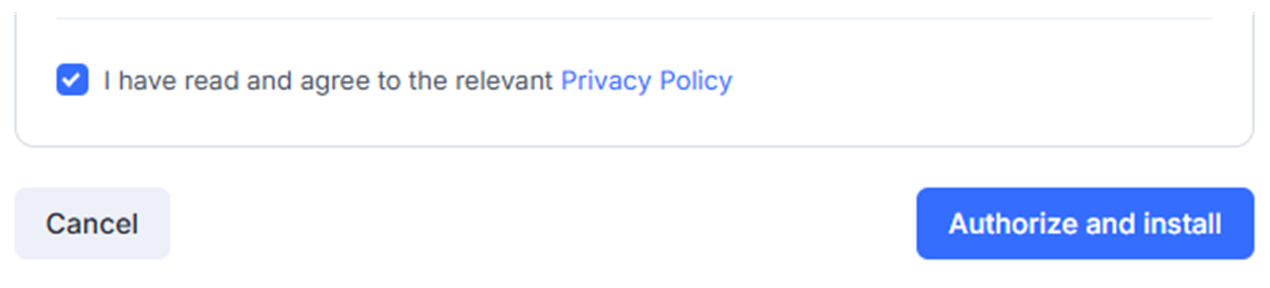
Review the permissions and click Authorize to confirm.
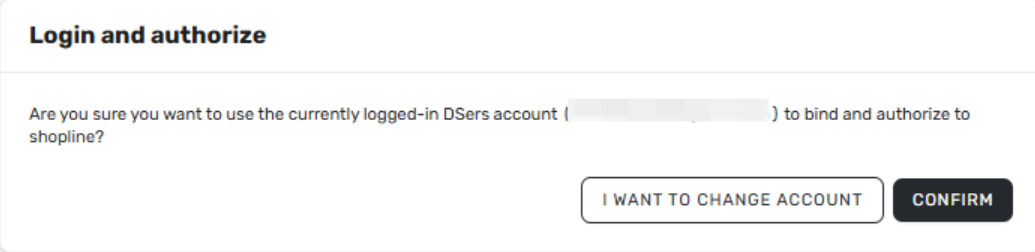
Step 3: Create or Log In to Your DSers Account
After installation, you'll see two options:
- CREATE AN ACCOUNT FOR YOU – DSers will create an account using your Shopify email
- REGISTER YOURSELF-Sign up with a different email address
- Already have an accounrt? Log in – Use your existing DSers account
Choose the Free Plan to get started—it's enough for beginners and includes up to 3,000 products .
Step 4: Confirm your store is connected
After authorization, the page will refresh automatically and you'll land on your DSers home page.
Inside the DSers dashboard:
- Go to Settings → Application Management
- Check that your store shows:
- Store name (correct)
- Status = Connected
If the status shows Connected, your Shopline store is successfully linked!
Step 5: Connect Your AliExpress Account
DSers needs access to your AliExpress account to place orders on your behalf.
- In DSers, go to Settings → AliExpress Account
- Click Connect
- A new window opens—log into your AliExpress account
- Click Authorize to grant DSers permission
⚠️ Important: You need an AliExpress buyer account. If you don't have one, create it for free at aliexpress.com.
Step 6: Install the DSers Chrome Extension
For one-click product imports and faster order placement, install the DSers Chrome Extension:
- Search "DSers Chrome Extension" in the Chrome Web Store
- Click Add to Chrome
- Log in with your DSers account
What you can do on DSers after binding?
Once your Shopline store is connected, DSers can start helping you manage your dropshipping operations:
- Import products directly from AliExpress to your Shopline store with a few clicks
- Sync inventory to keep your store updated when suppliers change stock levels
- Process orders with your AliExpress suppliers
- Track shipments with visibility across all your orders
💡 Good to know
DSers supports over 4.5 million merchants globally and is rated "Excellent" on Trustpilot. If you run into any issues during binding, our support team is ready to help.
Related Articles
- Binding: Get Started in 3 Minutes: Connect DSers to Shopify Store
- WooCommerce Connection Guide: Website Verification, Authorization & Webhook Setup
- Wix Authorization: Connect Your Wix Store to DSers
- TikTok Shop Authorization: Connect Your TikTok Shop to DSers
- Amazon Authorization: Connect Your Amazon Store to DSers
- eBay Authorization: Connect Your eBay Store to DSers
- Connect Your AliExpress Account to DSers
FAQ Section
Here are some common questions about linking Shopline with DSers and getting started.

Get Started Now to Grow Your Online Business with the DSers!