

Learn how DSers connects your store products to the right suppliers to ensure accurate fulfillment, correct shipping costs.
Note
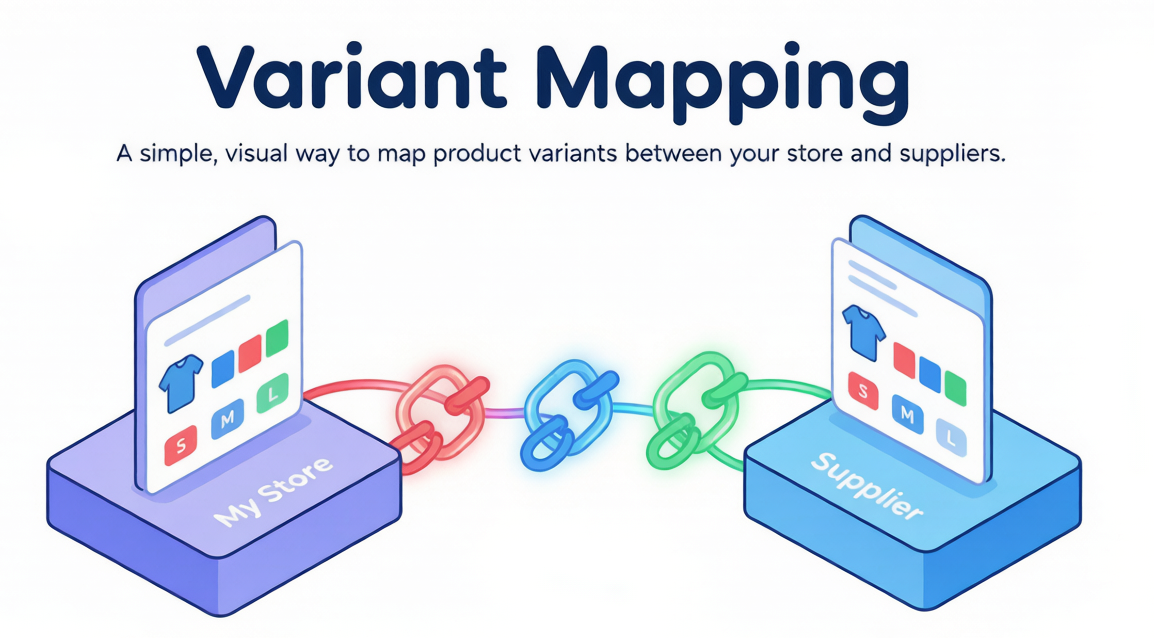
In dropshipping, what your customer sees in your store doesn't always match what your supplier calls the same product. Your store sells a "Blue Cotton T-Shirt" — but your supplier lists it as "T-Shirt, Blue, 100% Cotton, Size M".
Mapping is how DSers translates between your store and your suppliers. It tells DSers: "When a customer buys this product from me, order that specific product from this specific supplier."
Click here to start dropshipping now with DSers
From Mapping to Fulfillment: What Happens Automatically
Once you save your mapping configuration, it really saves time to process orders:
- A customer places an order in your store
- DSers reads the mapping rules
- DSers identifies the correct supplier and variant
- Only need to place and pay for orders
- The supplier ships the product
- DSers syncs the tracking number to your store and customer
The entire process happens without manual data entry. No copy-paste errors.
1. We will keep the default basic mapping data for every product if they are pushed to your store via DSers.
2. If want to change your supplier or they remove their product, simply update the Mapping
 — no need to change anything in your store.
3. You can search for similar suppliers via DSers-Supplier Optimizer
 feature.
4. Automated Mapping
 can help you set up mapping more efficiently.
Basic vs. Advanced: Which Mapping Mode Fits Your Business?
DSers offers two main mapping modes. They are mutually exclusive for a given product — you choose one.
BOGO and Bundle are now part of Advanced Mapping. Basic and Advanced are mutually exclusive for a given product.
Related Articles
- How Variant Mapping Works
- Basic Mapping: How to set Backup Suppliers
- Advanced Mapping: Route Orders to the Right Supplier by Country
- Automated Mapping: Match Products Faster, Skip the Manual Work
- Supplier Optimizer: Find Better Suppliers in Seconds
- Mapping Errors: Products Not Syncing Correctly
FAQ Section
Everything you need to know about mapping and how it connects your store to your suppliers.
| Get Started Now to Grow Your Online Business with the DSers! |
